Job Setup
Navigate to 120water.teamsolve.com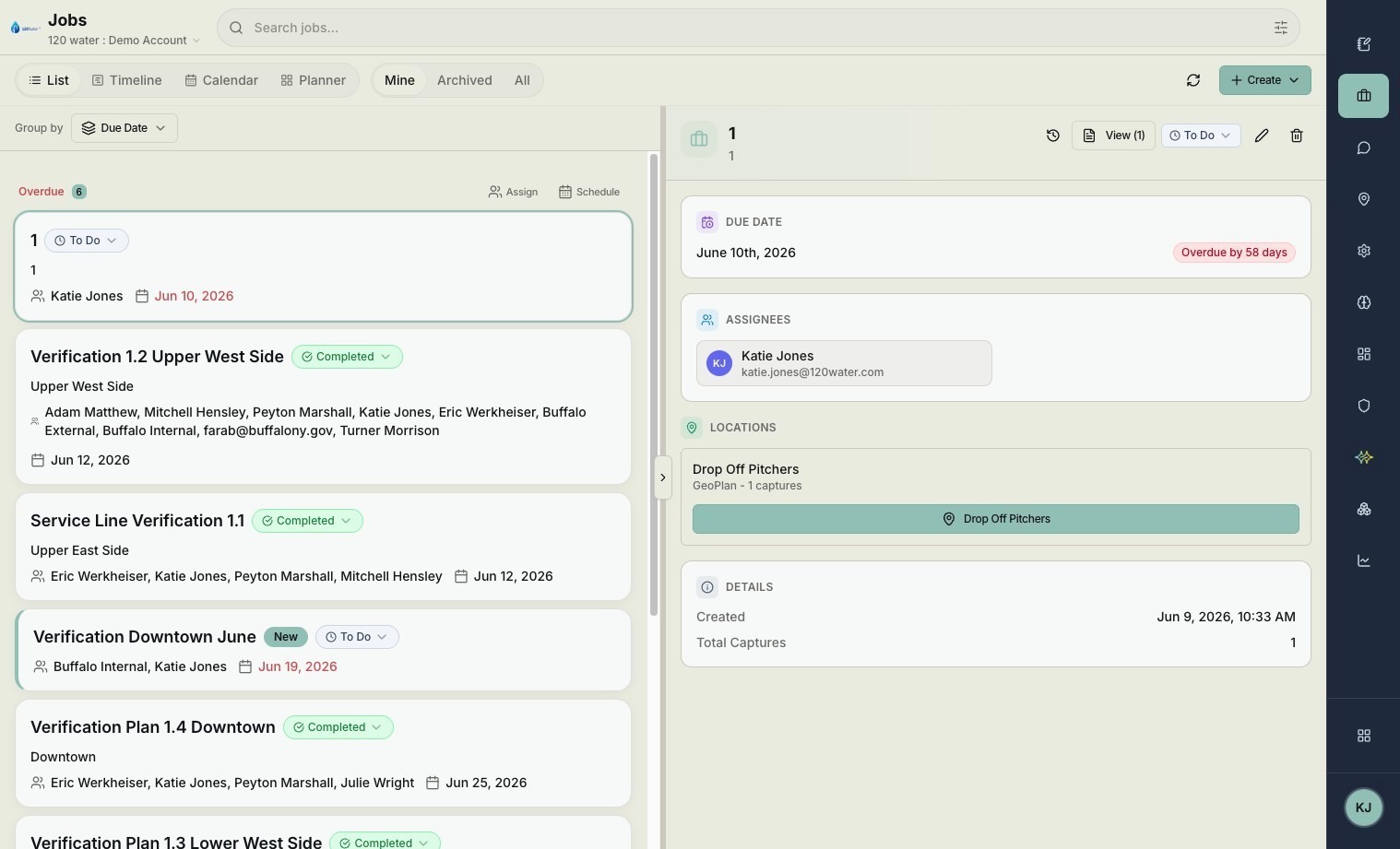
Click "Create"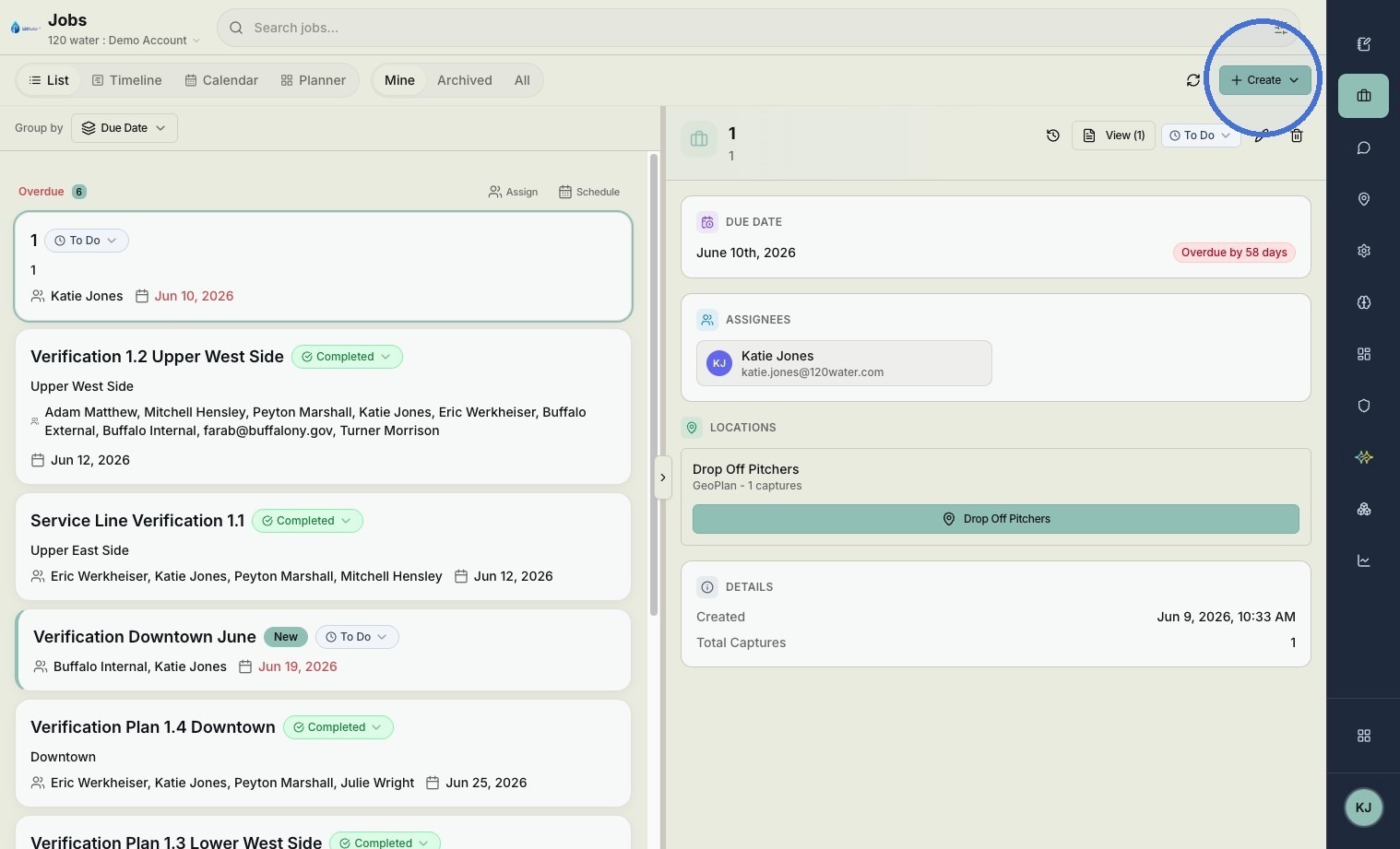
Click "Create Job"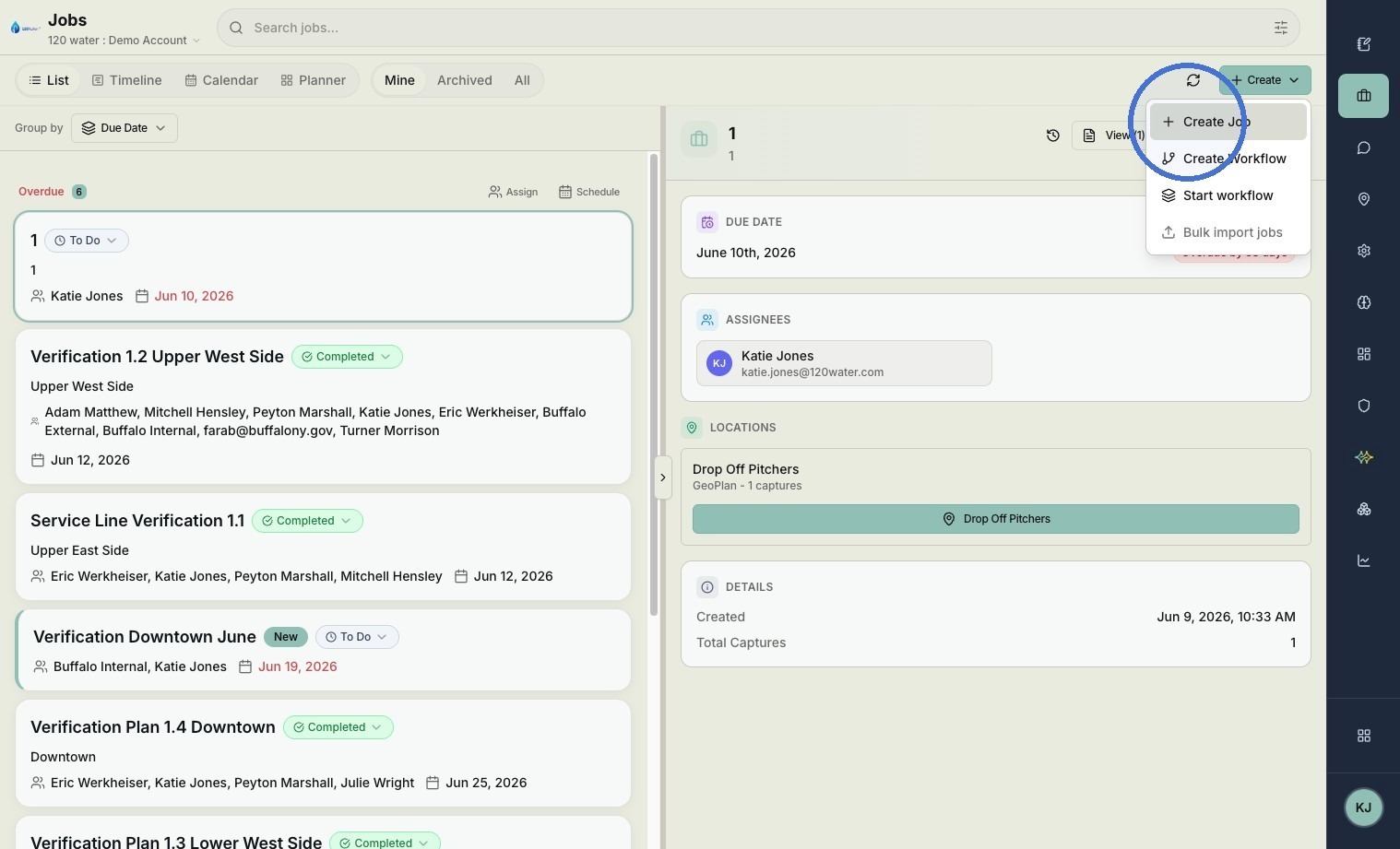
Type the name of your Job in the Job Number field.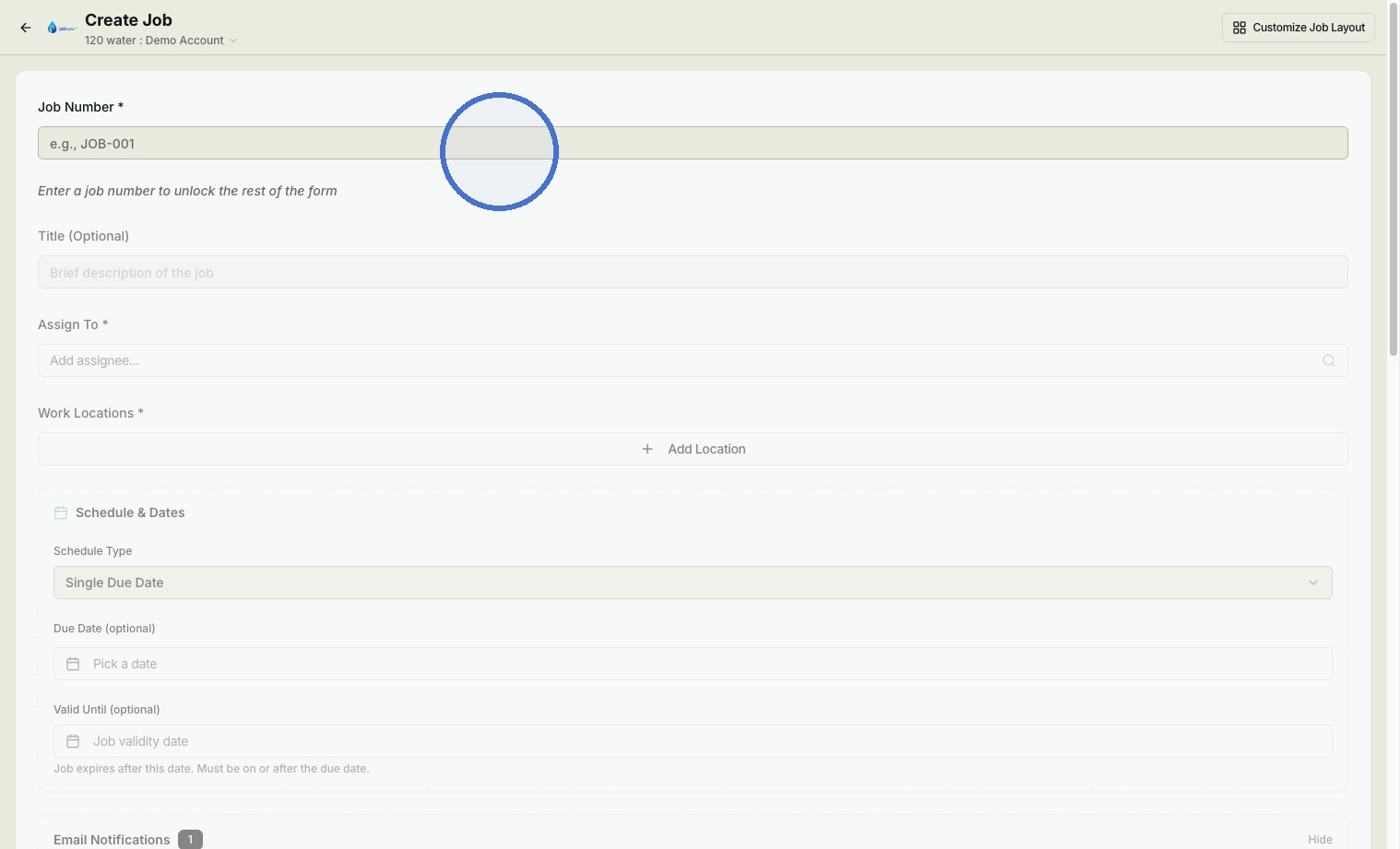
Search for and select people who you would like to be assigned to the job.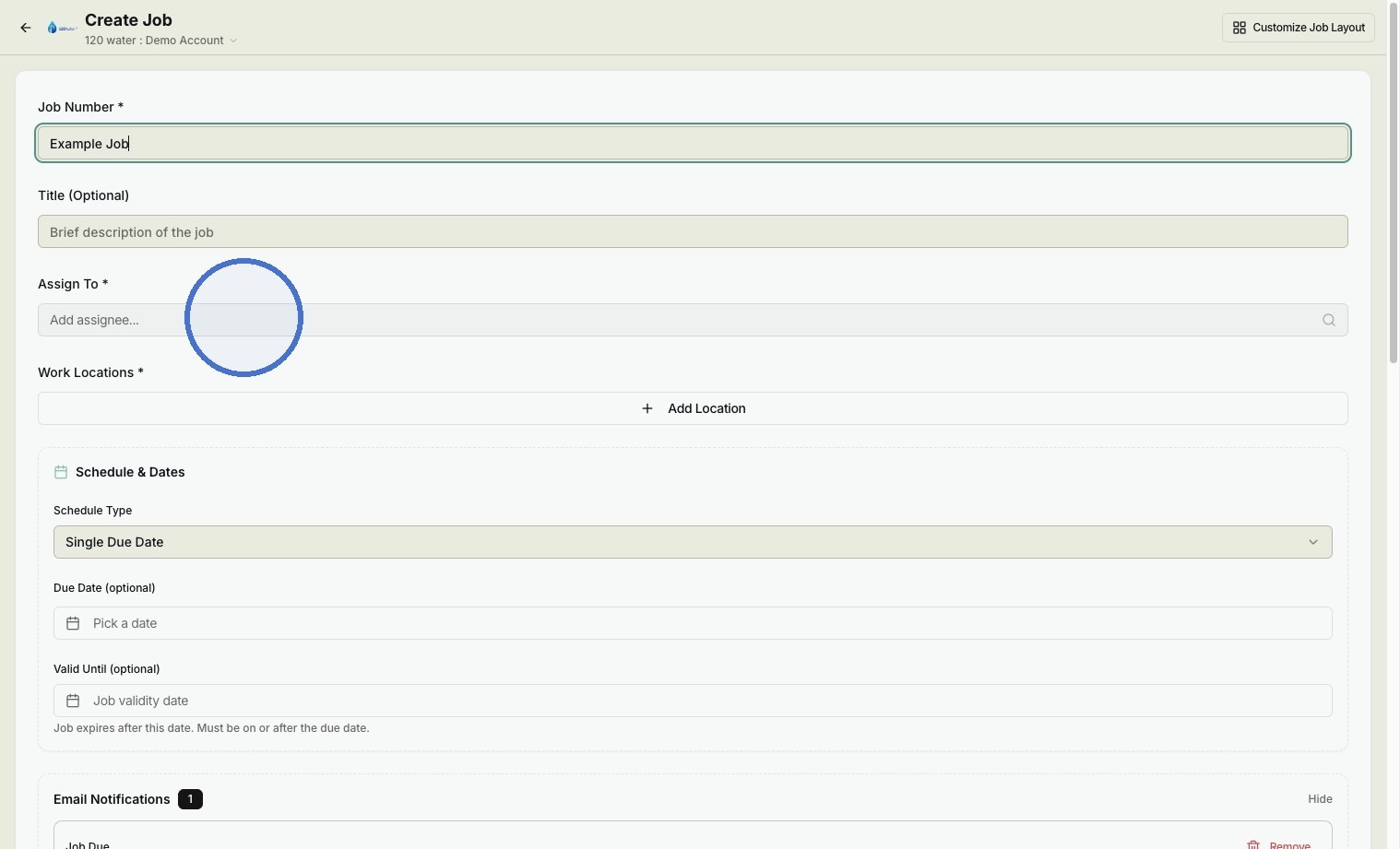
Click "Add Location"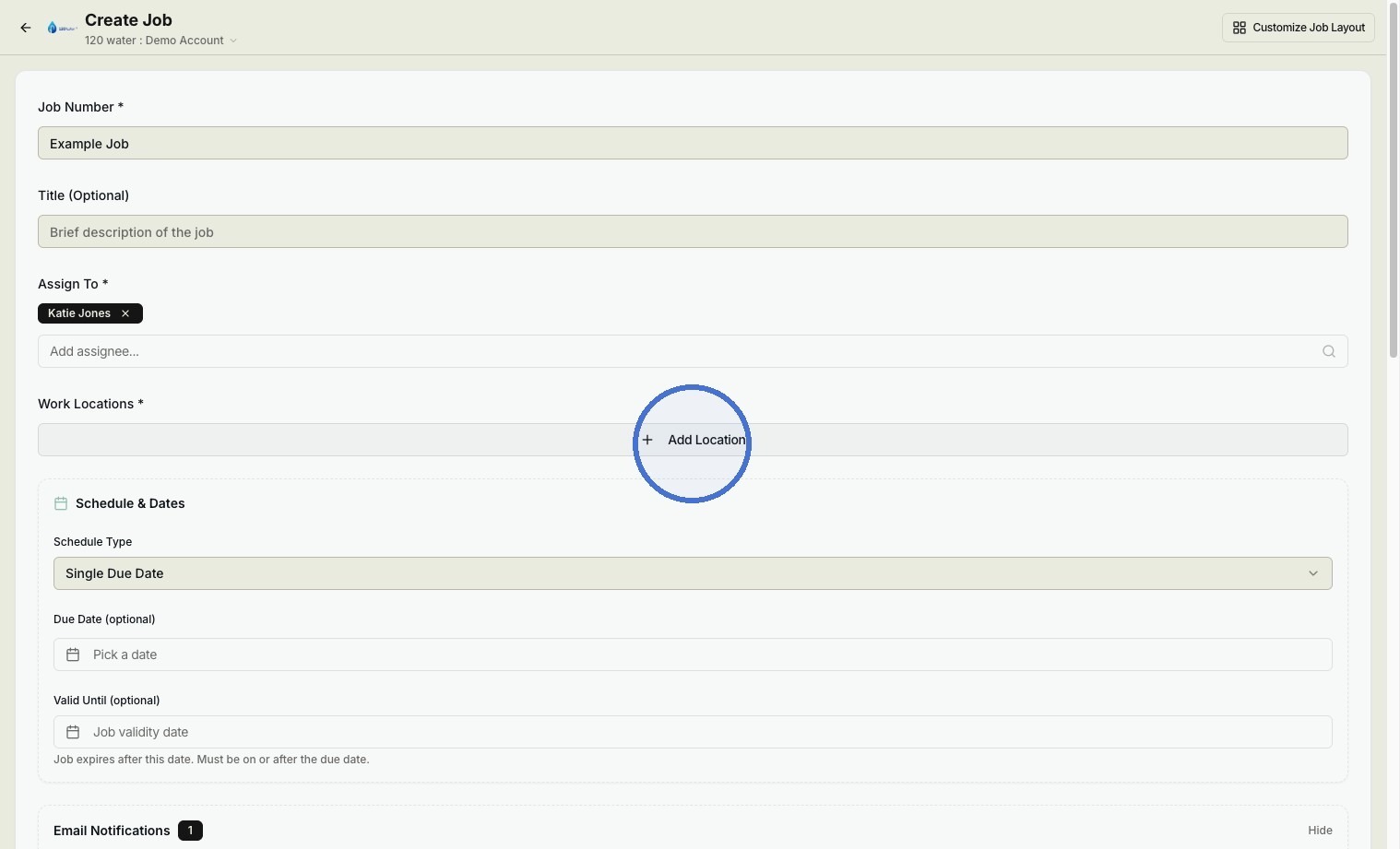
Click "Open Plan Editor"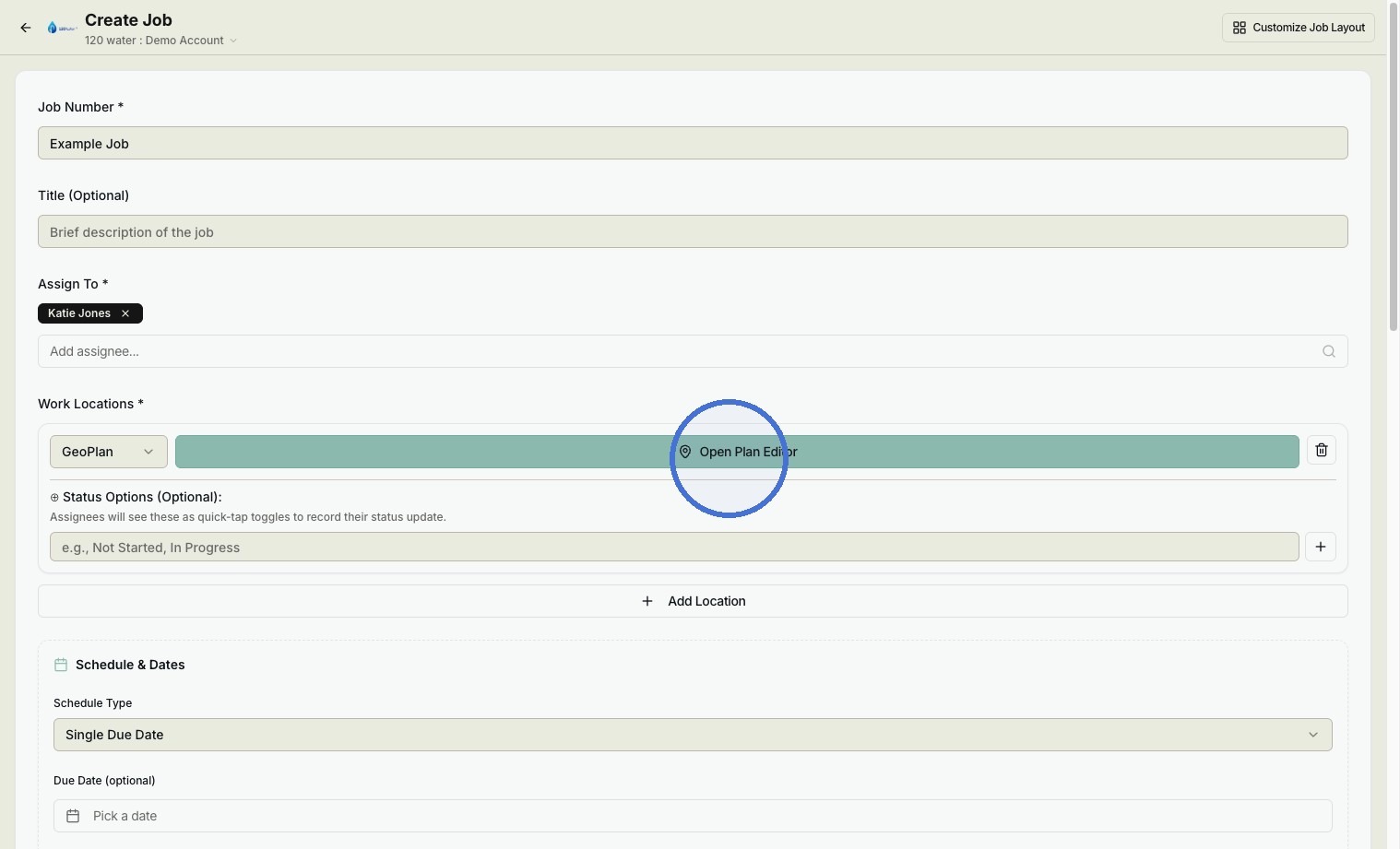
Plan Configuration
Click "Select Project"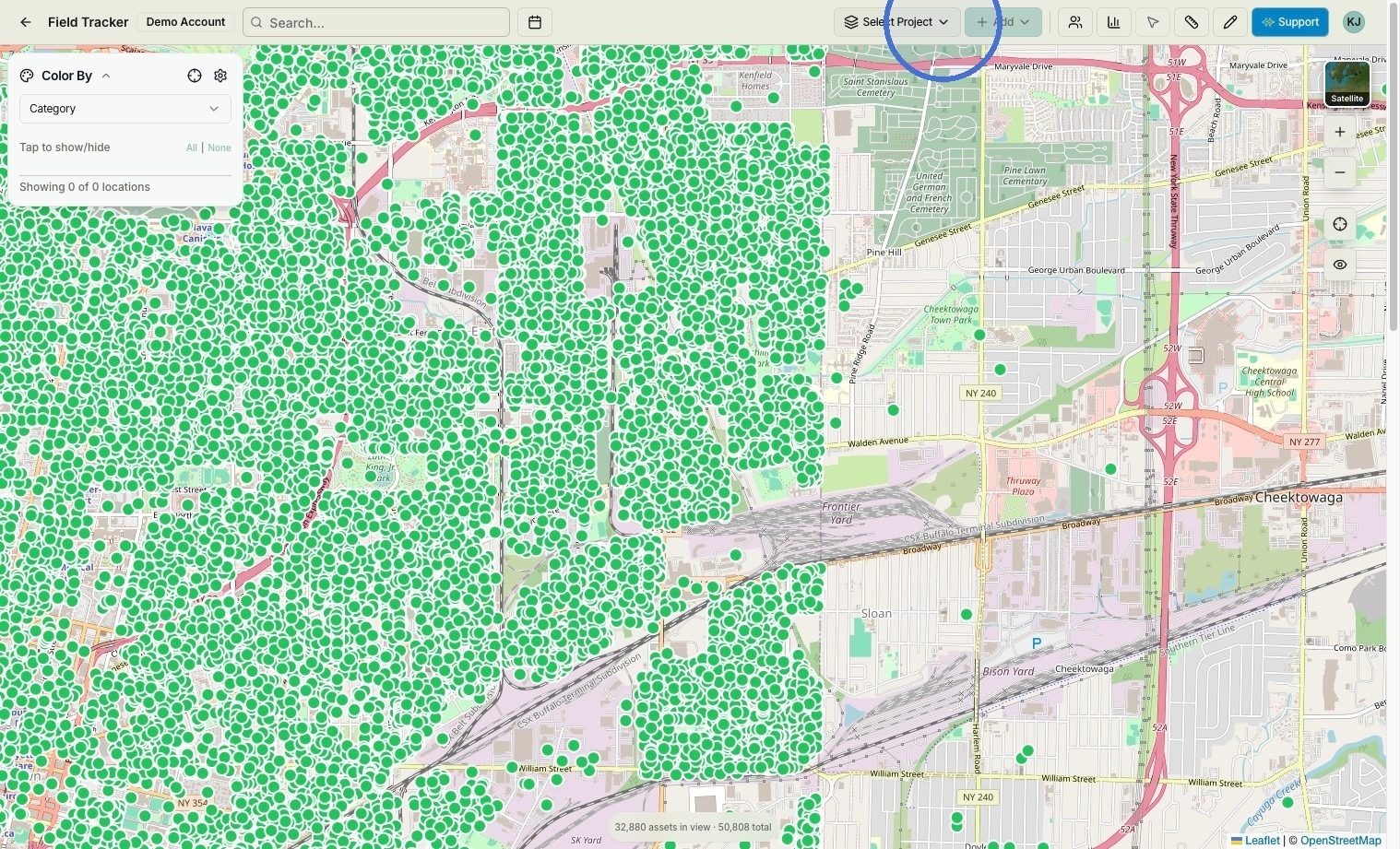
Click "Manage plans & projects"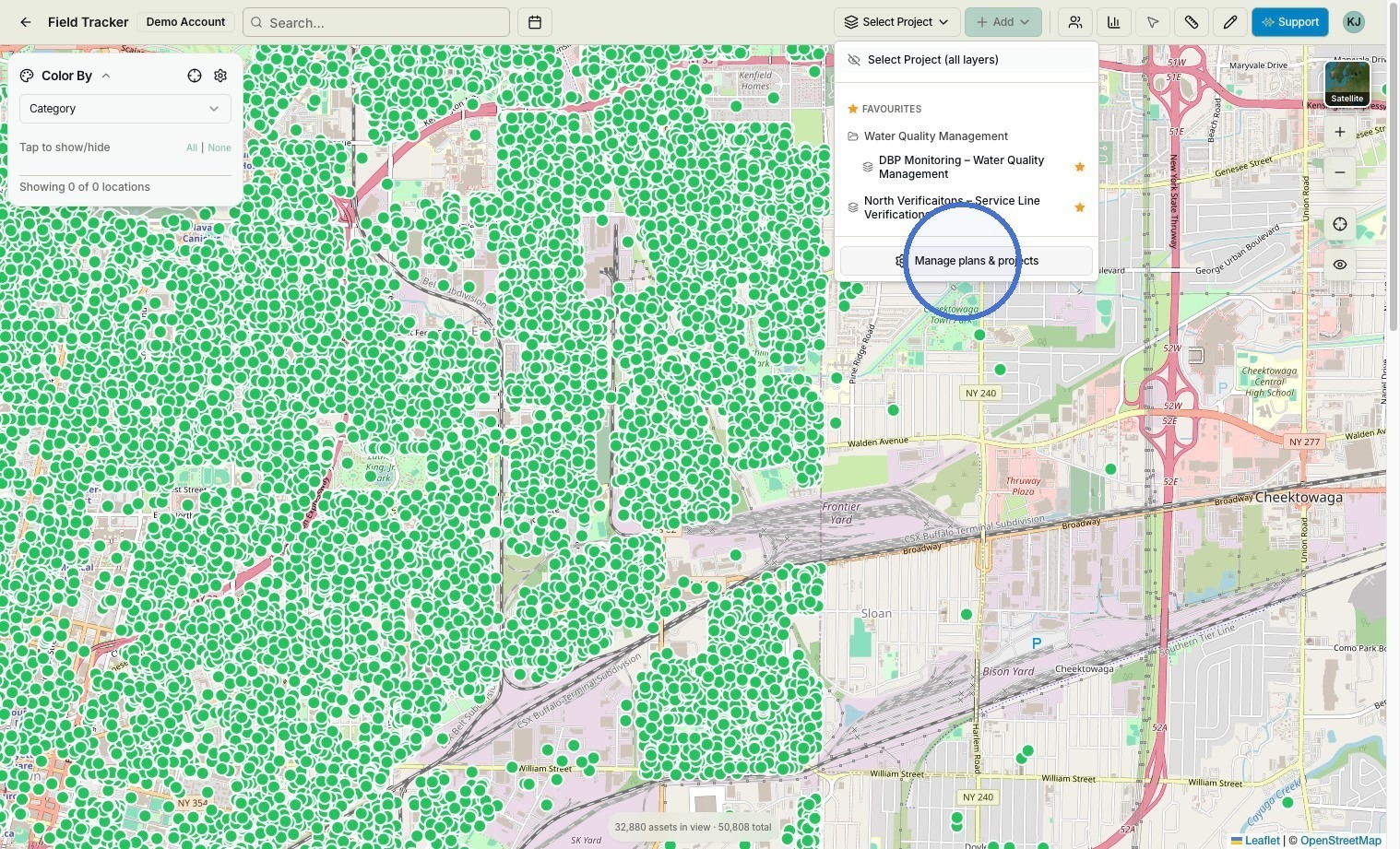
Click the dropdown for the project type you'd like to make the plan under.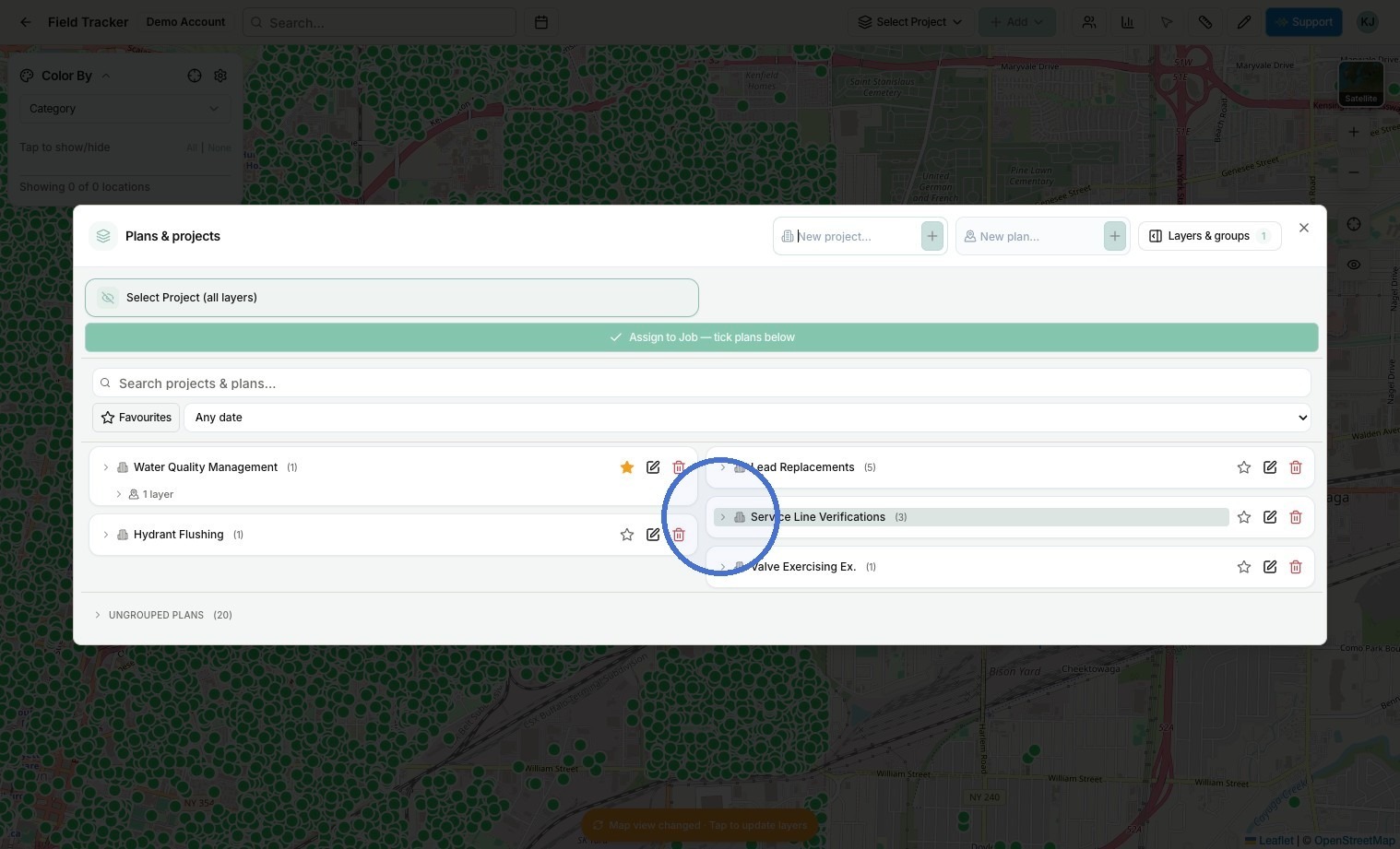
Create a plan named with your preferred name.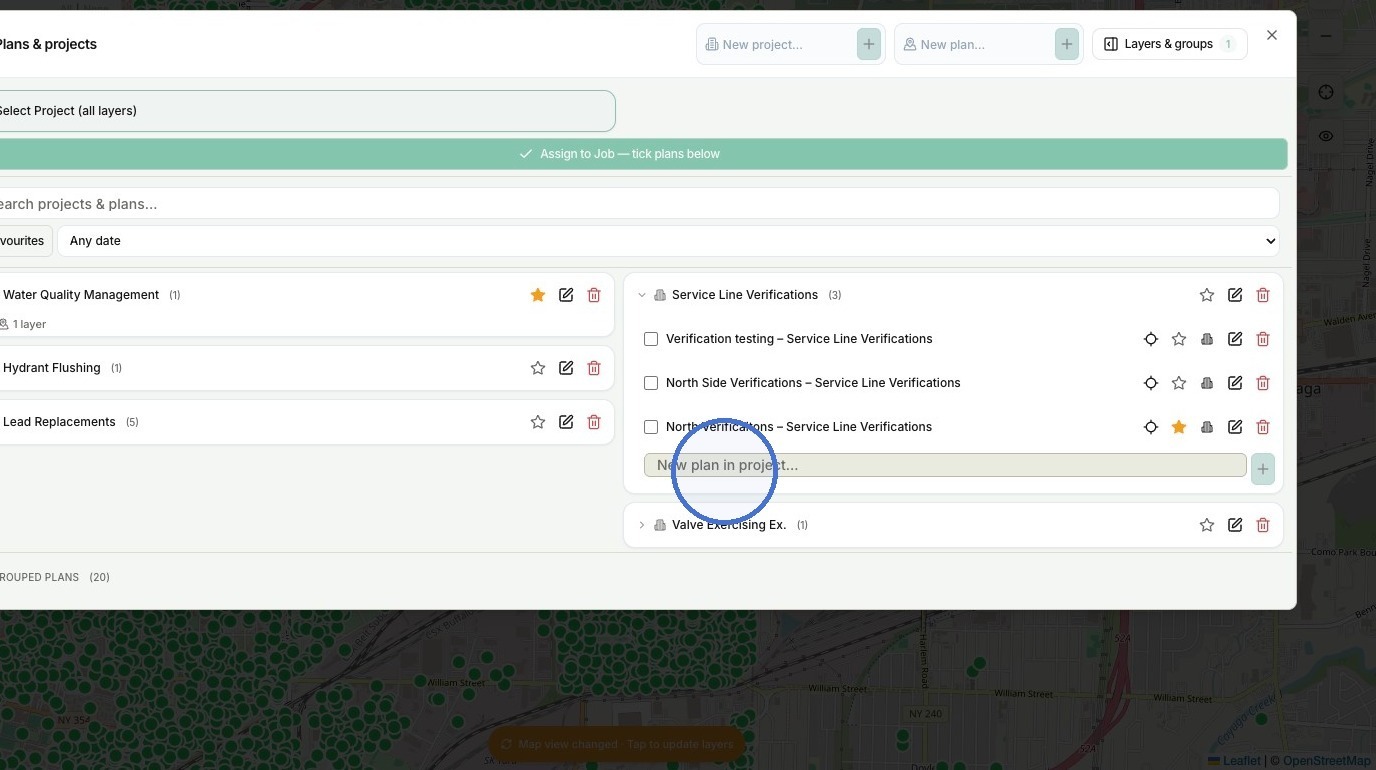
Click "Assign to Job"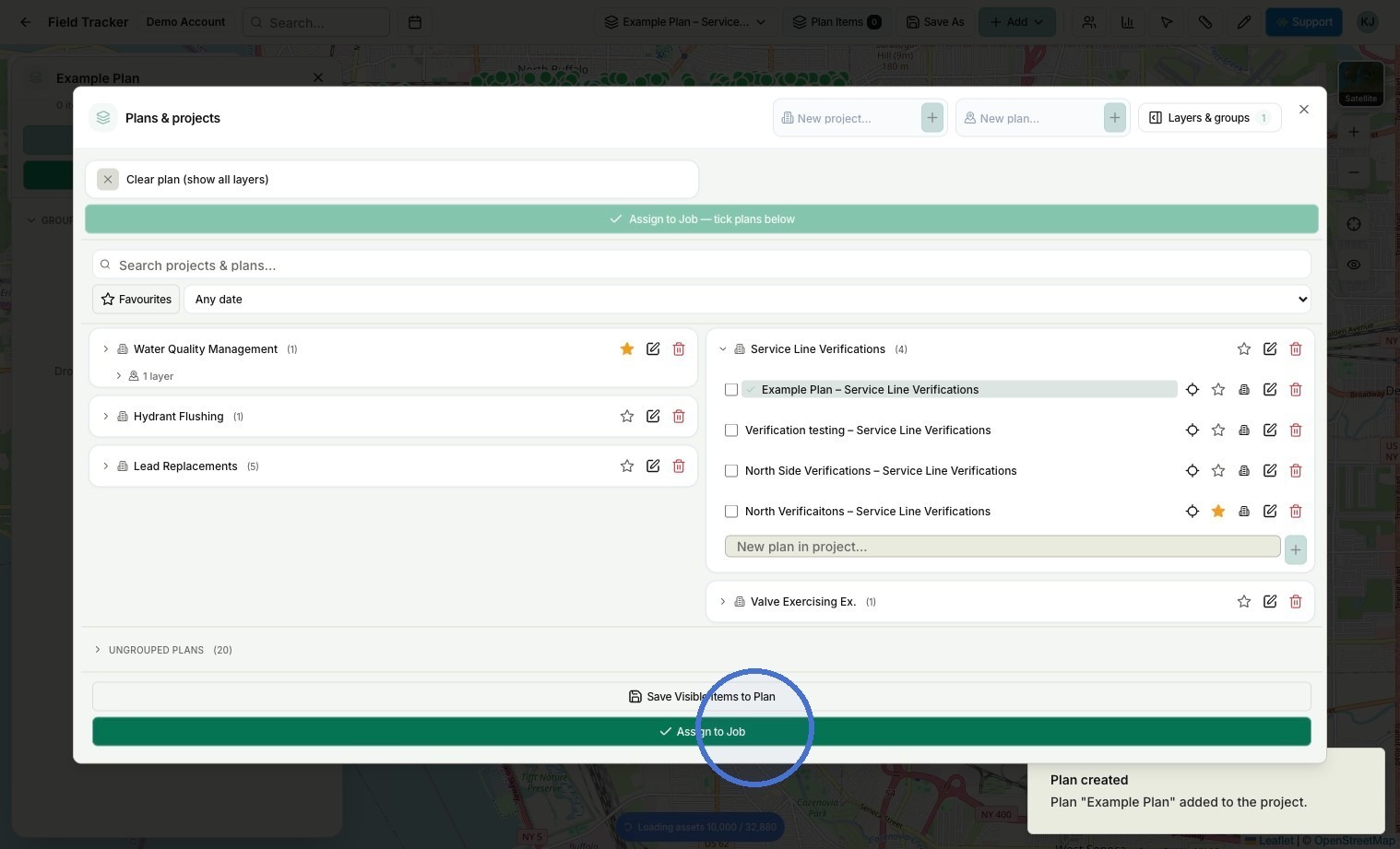
Click "Edit Plan"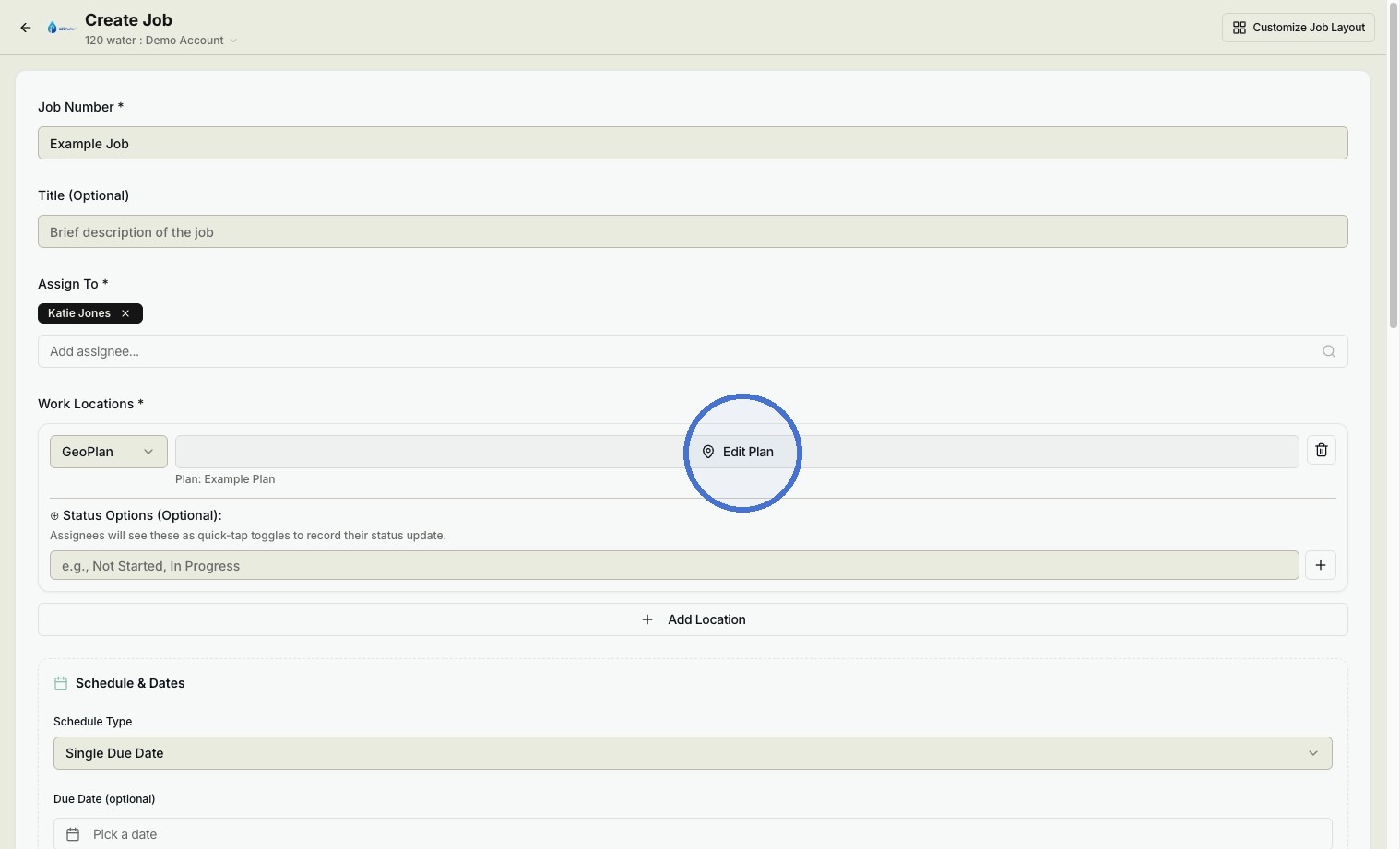
Location Selection
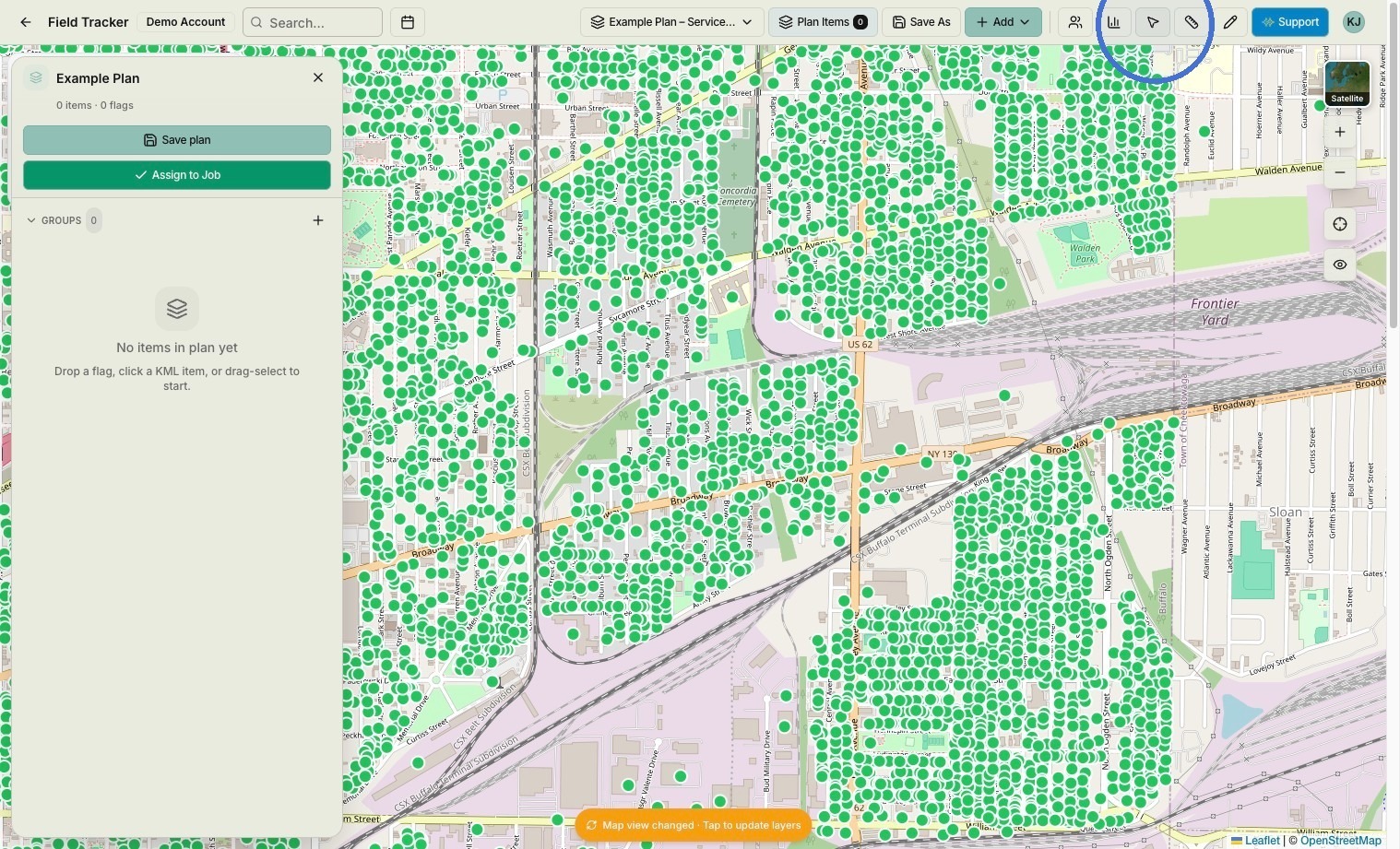
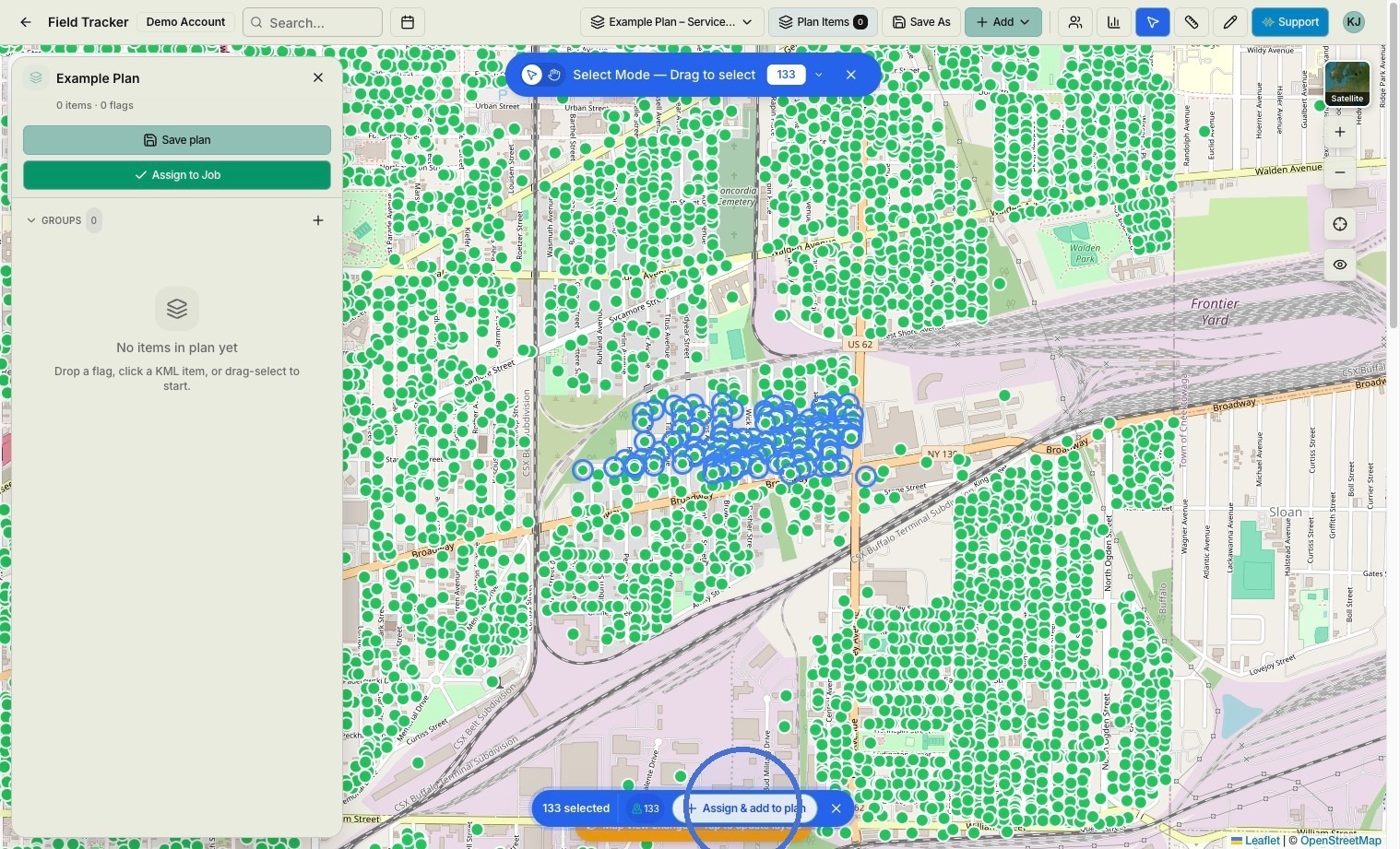
Click Select mode.
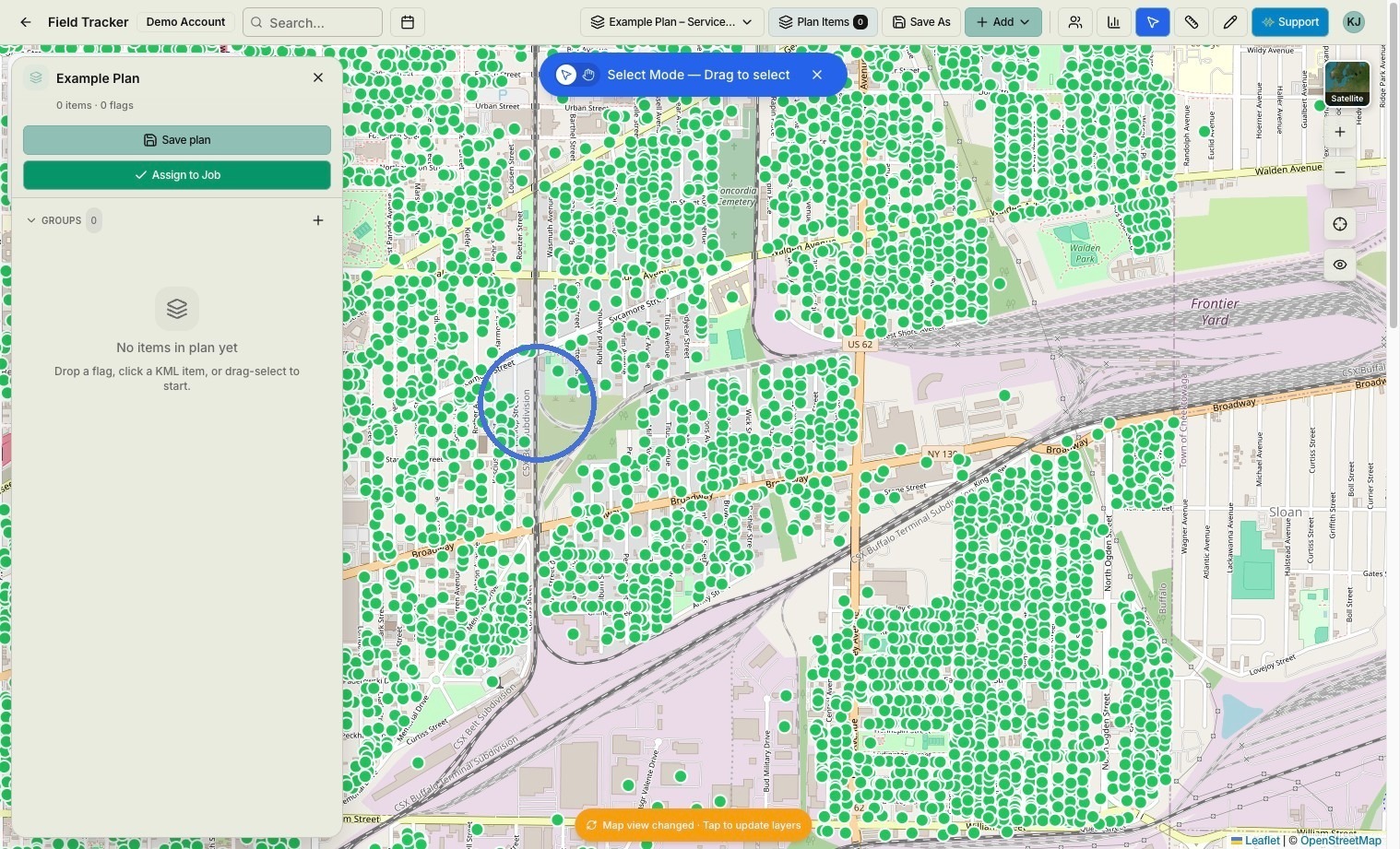
Click the map to begin selecting locations.
Click "Assign & add to plan"
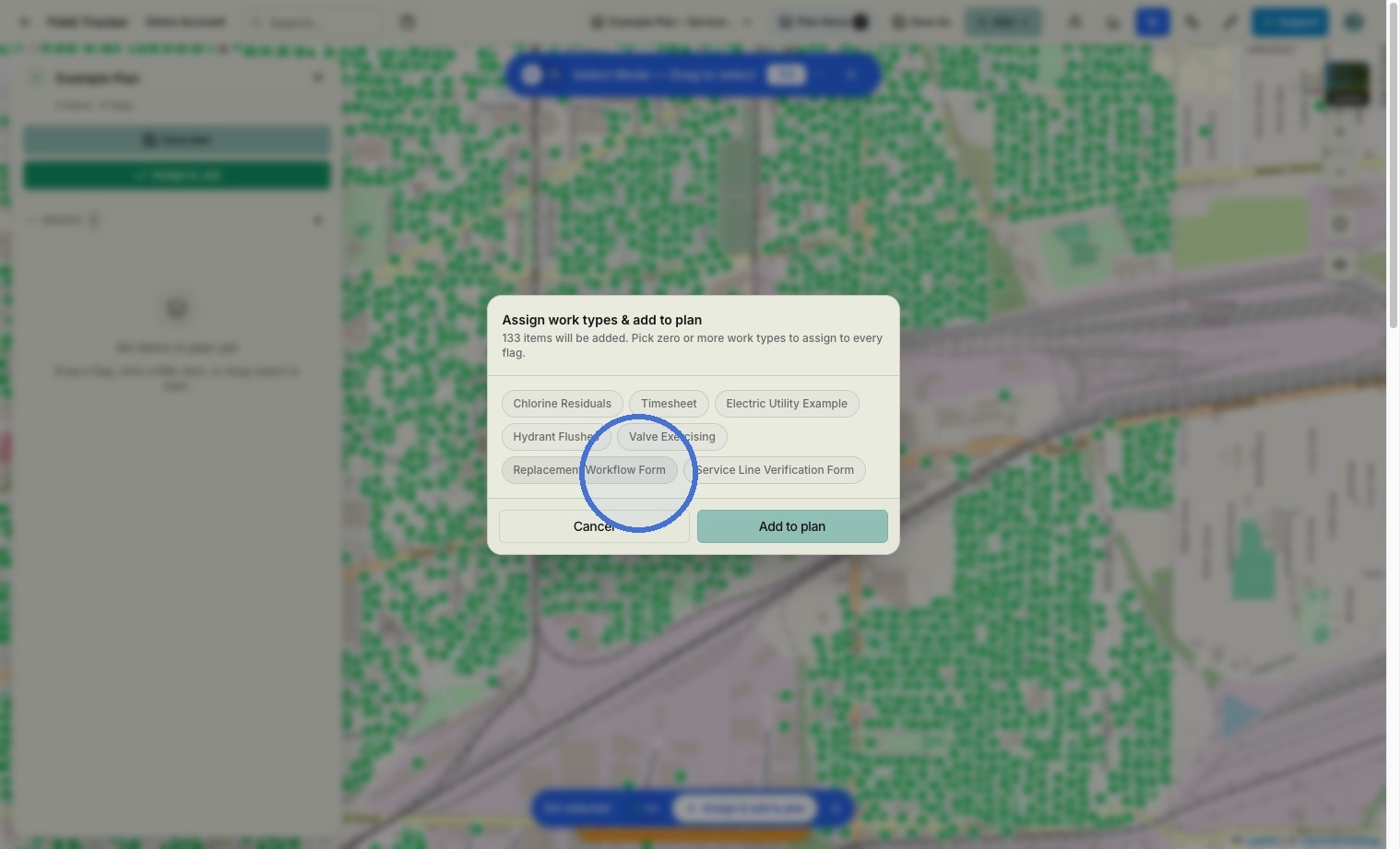
Click "Replacement Workflow Form"
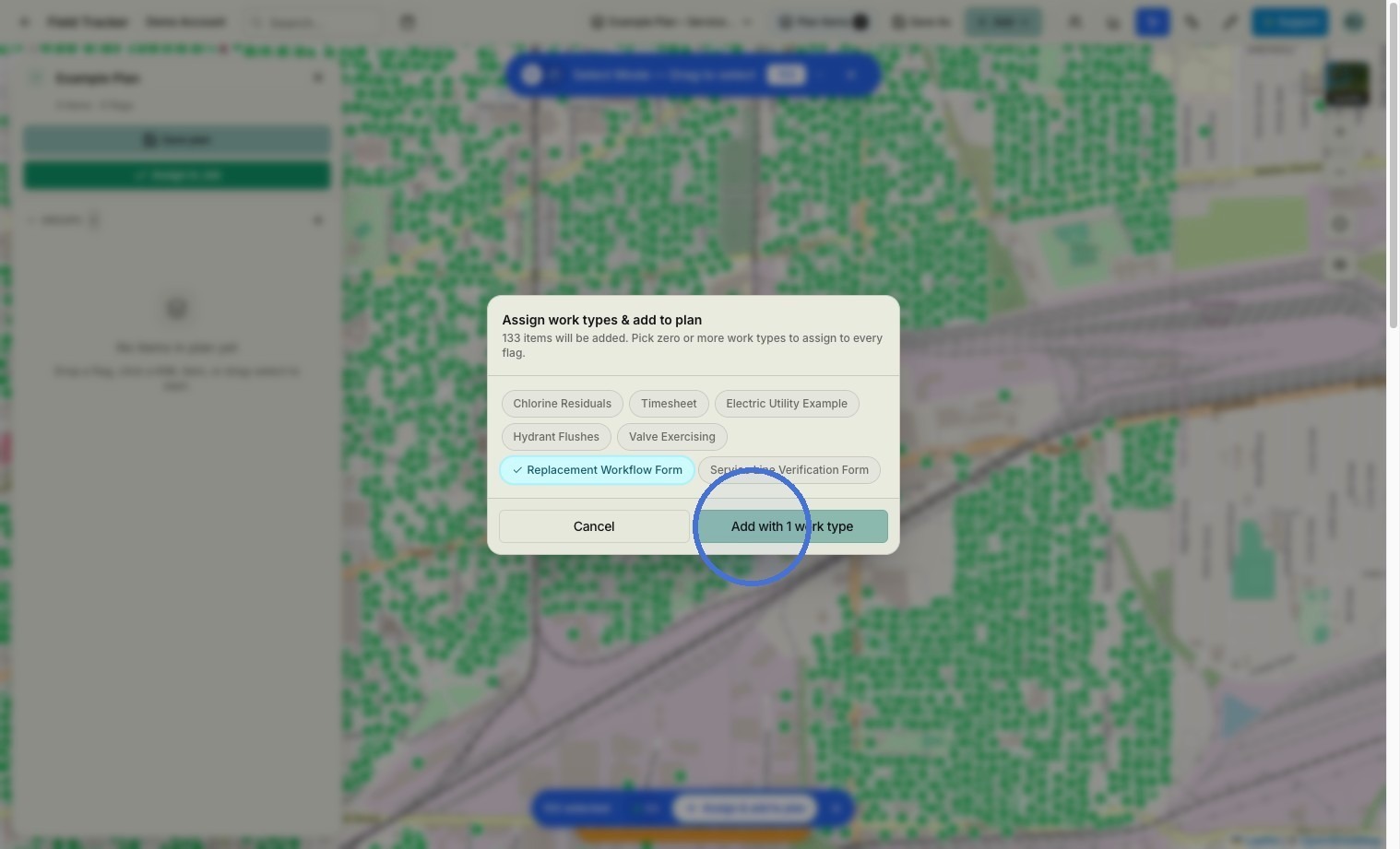
Click "Add with 1 work type"
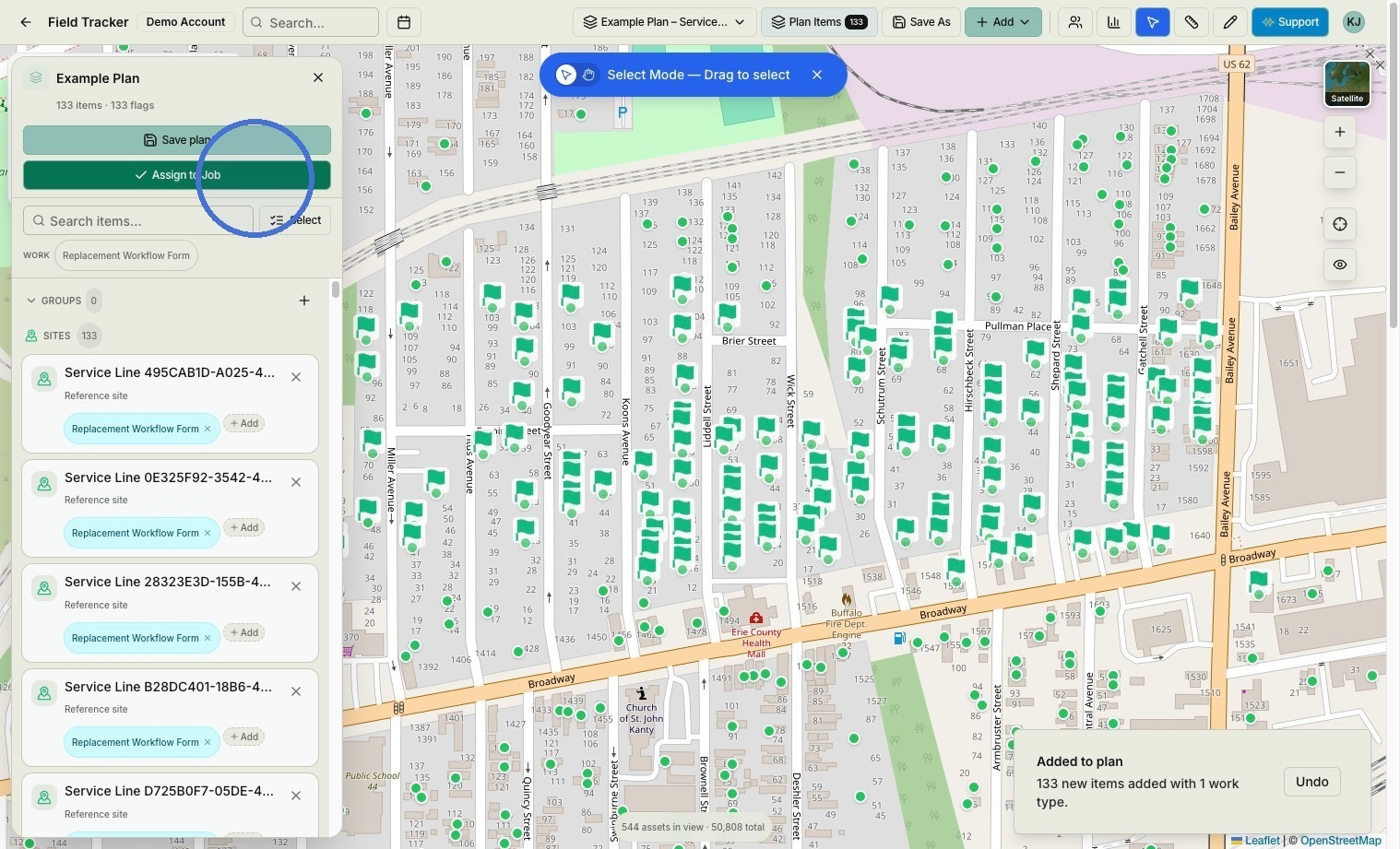
Click "Assign to Job"
Job Submission
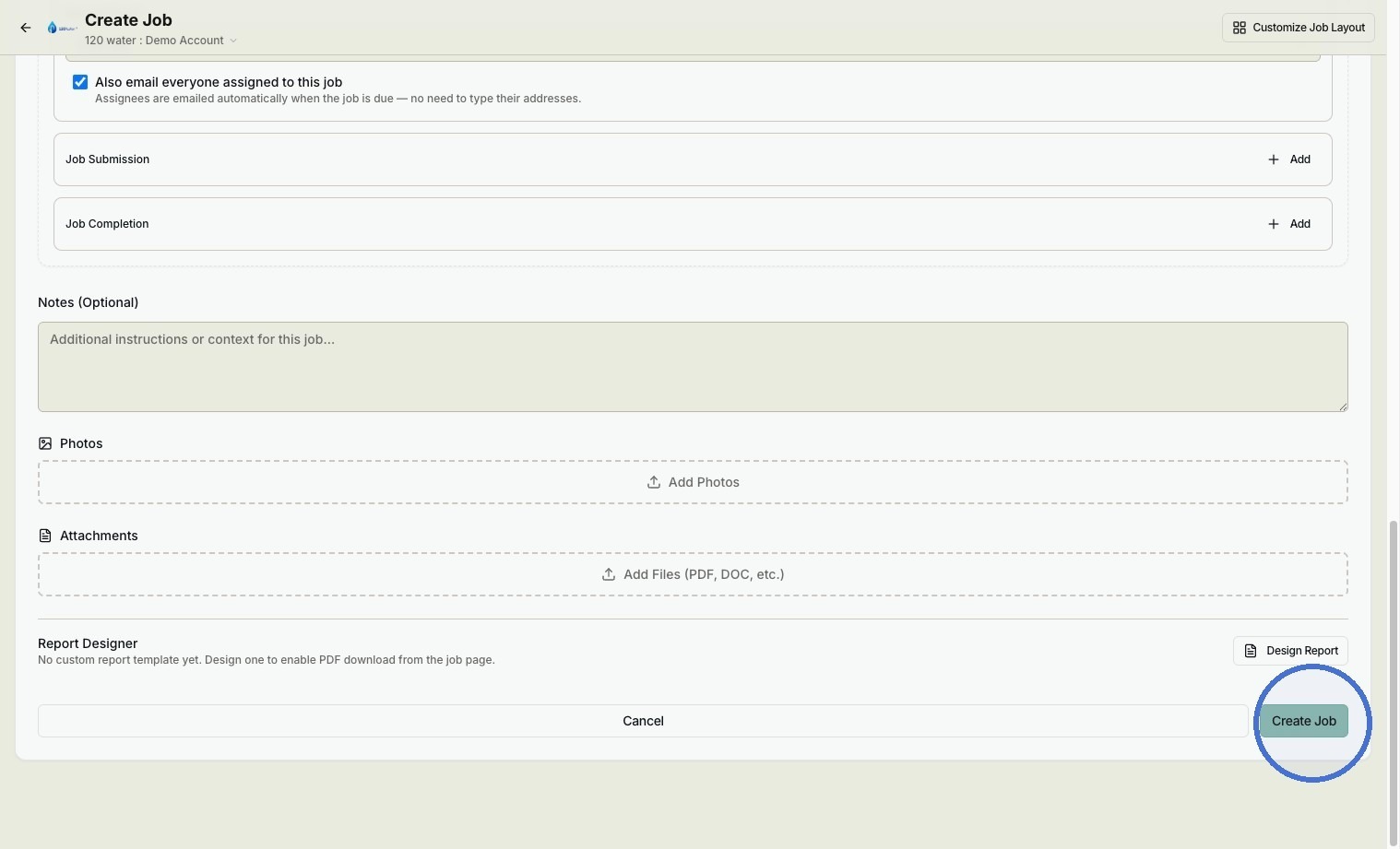
Click "Create Job"